
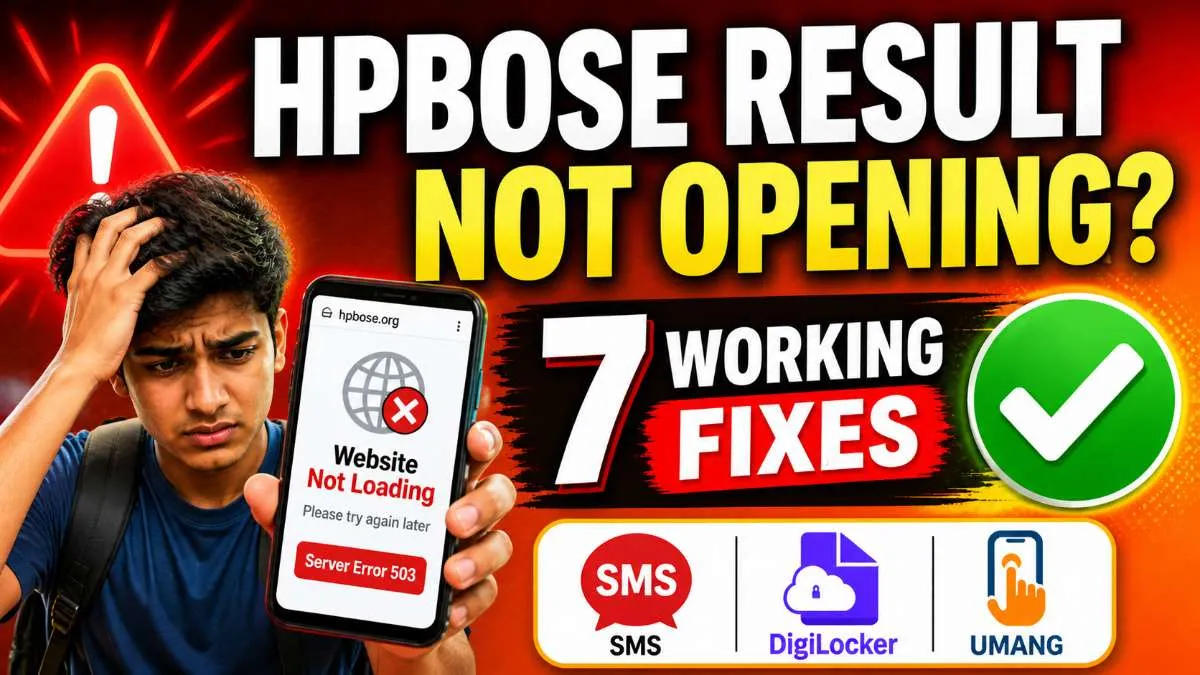
🔴 LIVE: HPBOSE Result Website Slow/Down – Use These Working Methods Now
Table of Contents
ToggleHPBOSE Result Website Not Opening – 7 Working Solutions to Check Your Result
• Use DigiLocker (fastest method)
• Check via SMS (no internet)
• Use UMANG app
• Try alternate result websites
• Switch network or clear cache
• Check during off-peak hours
Published: May 5, 2026 | Updated: May 5, 2026 | Reading Time: 6 minutes | Category: Exam Help
HPBOSE result website not opening? You are not alone. Every year, lakhs of students face the same problem on result day. The official website hpbose.org crashes due to heavy traffic. This is commonly reported as HPBOSE site not working or HPBOSE result server down issue.
Many students search for HPBOSE website slow today or HPBOSE result check alternative because the main portal becomes inaccessible. This article provides 7 working solutions that work even when the website is down or slow. These methods are tested and work every time. Do not panic – your result is not lost.
Why HPBOSE Website Crashes on Result Day?
Understanding why the website crashes helps you stay calm. Here are the main reasons:
- Lakhs of students access the website simultaneously
- Server capacity is limited
- High traffic during peak hours (10 AM to 2 PM)
- Temporary technical glitches
The good news is that there are multiple alternative ways to check your result. Let us explore them one by one.
Solution 1: Use DigiLocker (Fastest Alternative)
DigiLocker is the most reliable alternative when the HPBOSE website is down. The government has made it mandatory for boards to upload results on DigiLocker.
Steps to check result on DigiLocker:
- Download DigiLocker app from Play Store or App Store
- Login using your mobile number or Aadhaar number
- Click on “Find Documents” or “Issued Documents”
- Search for “HPBOSE” or “Himachal Pradesh Board”
- Select “Class 10 Result 2026” or “Class 12 Result 2026”
- Enter your roll number and year of passing
- Your result will appear instantly – download the PDF
Why DigiLocker works: It uses a different server infrastructure than the main result portal, so it remains functional even when the main site crashes.
Solution 2: Check Result via SMS (No Internet Needed)
When the website is down and you have no internet access, SMS is your best friend. HPBOSE provides an SMS service for result checking.
SMS Format for Class 10:
Example: HP10 12345678
Send to: 56263 or 5676750
SMS Format for Class 12:
Example: HP12 12345678
Send to: 56263 or 5676750
You will receive your result within 1-2 minutes. Standard SMS charges apply (Rs.1 to Rs.3 per message).
Solution 3: Use UMANG App (Government’s All-in-One App)
UMANG (Unified Mobile Application for New-age Governance) is another government app that provides result services.
Steps:
- Download UMANG app from Play Store or App Store
- Register using your mobile number
- Search for “HPBOSE” in the search bar
- Select “Class 10 Result 2026” or “Class 12 Result 2026”
- Enter your roll number and date of birth
- Your result will be displayed
Solution 4: Switch from WiFi to Mobile Data
Sometimes your internet connection is the problem, not the HPBOSE website. Many internet service providers have issues connecting to government websites during peak traffic.
What to do:
- If you are using WiFi, turn it off and switch to mobile data
- If using mobile data, try switching from 4G to 5G or vice versa
- Try a different network provider (Airtel, Jio, Vi, BSNL)
- Restart your phone and router
Solution 5: Clear Browser Cache and Cookies
Your browser may have stored old data that is preventing the website from loading properly.
Steps to clear cache (Chrome browser):
- Open Chrome browser
- Click on three dots (top right corner)
- Go to History → Clear browsing data
- Select “All time” from time range
- Check “Cookies and other site data” and “Cached images and files”
- Click “Clear data”
- Restart the browser and try again
Solution 6: Try Alternative Official Websites
HPBOSE has multiple official websites. If one is down, try the others:
| Website | Purpose |
|---|---|
| hpbose.org | Main official website |
| results.hpbose.org | Dedicated result portal |
| hpbose.cbseit.in | Alternate result portal |
Solution 7: Try During Off-Peak Hours
The highest traffic on result day is between 10 AM and 2 PM. Most students check their results during these hours, causing server overload.
Best times to check:
- Early morning: 5 AM to 7 AM
- Late night: 11 PM to 1 AM
- Afternoon: 2 PM to 4 PM (slightly lower traffic)
Quick Troubleshooting Table
| Problem | Solution |
|---|---|
| Website not loading | Use DigiLocker or SMS |
| Website slow | Try off-peak hours |
| Error 404 | Use alternate portals |
| Captcha issue | Clear cache or switch browser |
| Network issue | Use SMS method |
📚 Related Posts You May Find Useful

Frequently Asked Questions (FAQs)
Q1: Why is HPBOSE website not opening?
Answer: Heavy traffic on result day causes server overload. Lakhs of students try to access the website simultaneously.
Q2: Is DigiLocker result valid?
Answer: Yes, DigiLocker result is legally valid for college admissions and job applications.
Q3: How long will the website remain slow?
Answer: Usually 24-48 hours after result declaration. Traffic decreases after the first day.
Q4: Can I check result without roll number?
Answer: Yes, using name wise option on the official website or through your school.
Q5: What is the fastest alternative when website is down?
Answer: DigiLocker is the fastest alternative. It uses different servers and remains functional even when main site crashes.
Q6: Is SMS result service free?
Answer: No, standard SMS charges apply (Rs.1 to Rs.3 per message depending on your mobile operator).
Final Words
HPBOSE result website not opening is a common problem on result day. Do not panic. Use DigiLocker, SMS, or UMANG app as alternatives. Try different times and networks. Your result is safe and will be available through one of these methods.
Bookmark this page for quick access to these solutions on result day. Share with friends who may also face the same problem.
Best of luck with your HPBOSE results!
Disclaimer: All information is based on HPBOSE official website and previous year patterns. Alternative methods may vary slightly each year.